Generate MapleStyle Sprite assets from prompts and references.
Describe a character, outfit, prop, or effect, and add references when needed. The whole creative flow stays in MapleSprite.
MapleSprite Studio
68
Reference image
1/5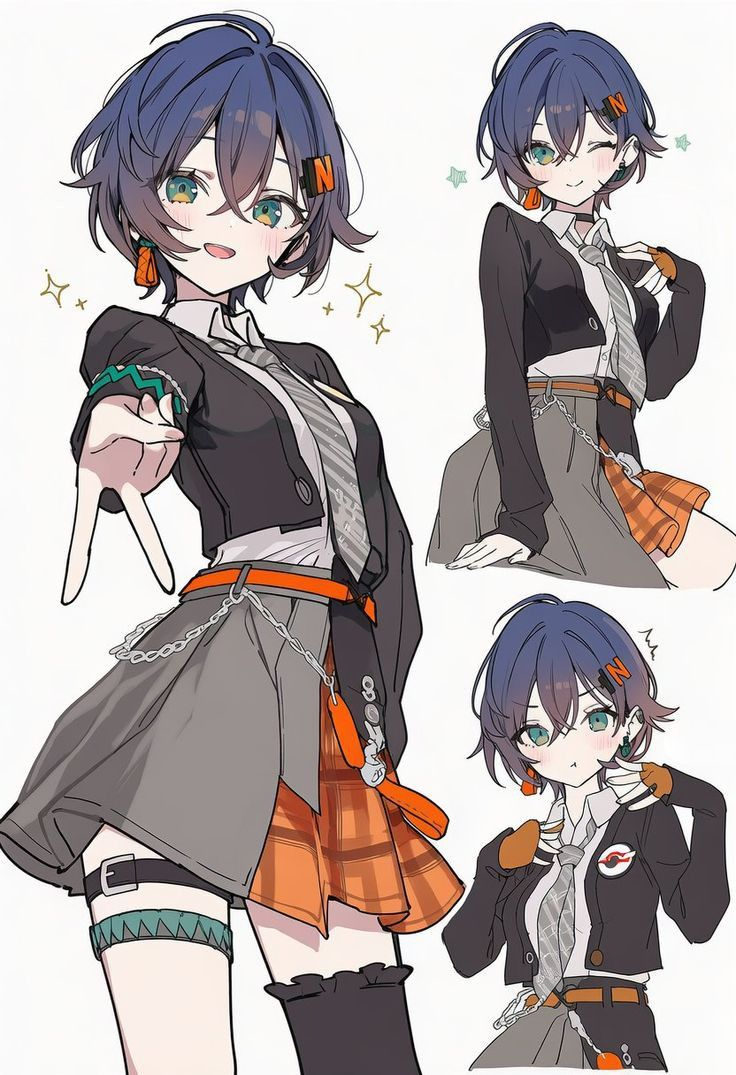
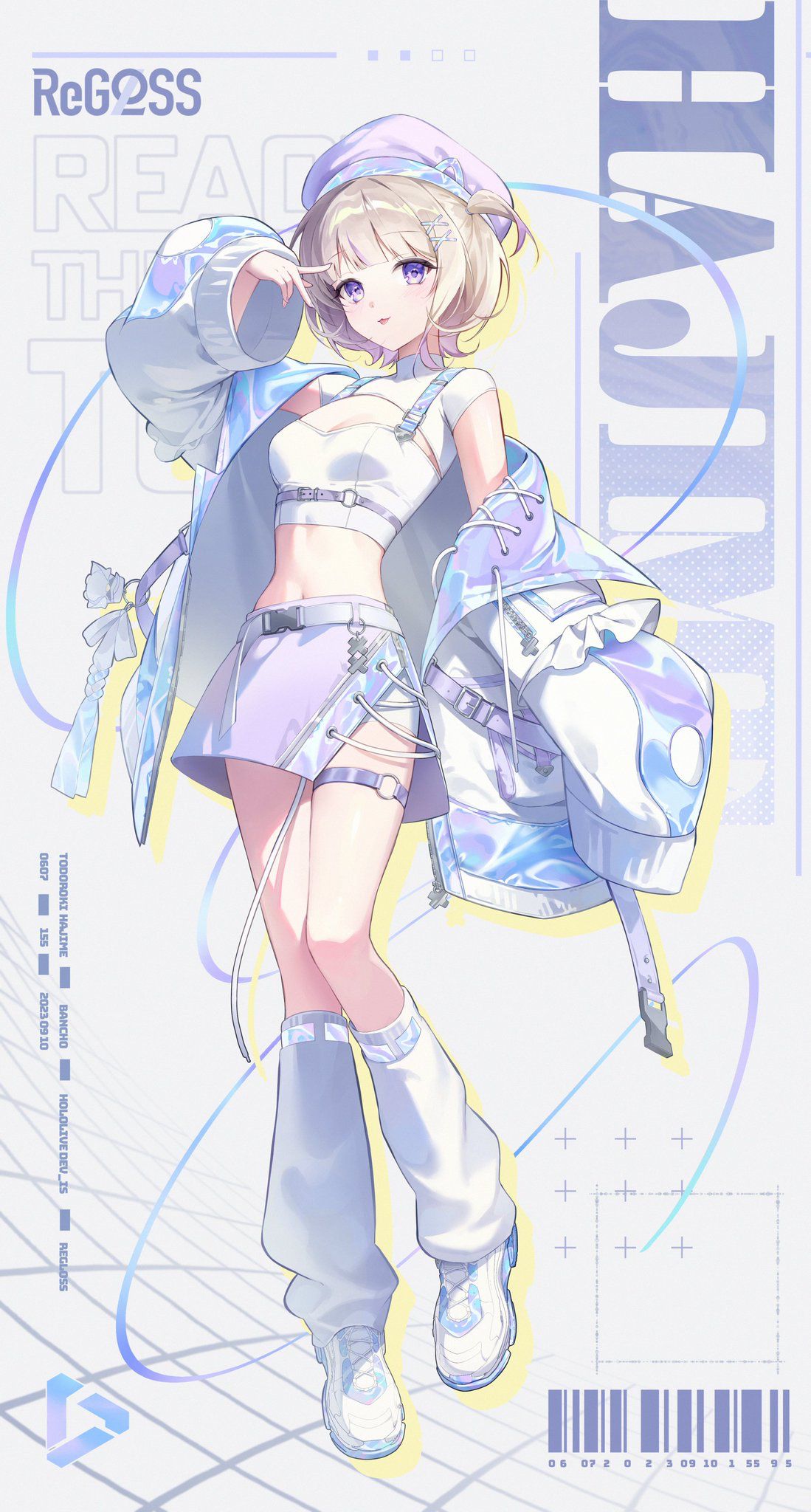
Prompt
Blue-orange chibi sprite, dark outfit and orange accents
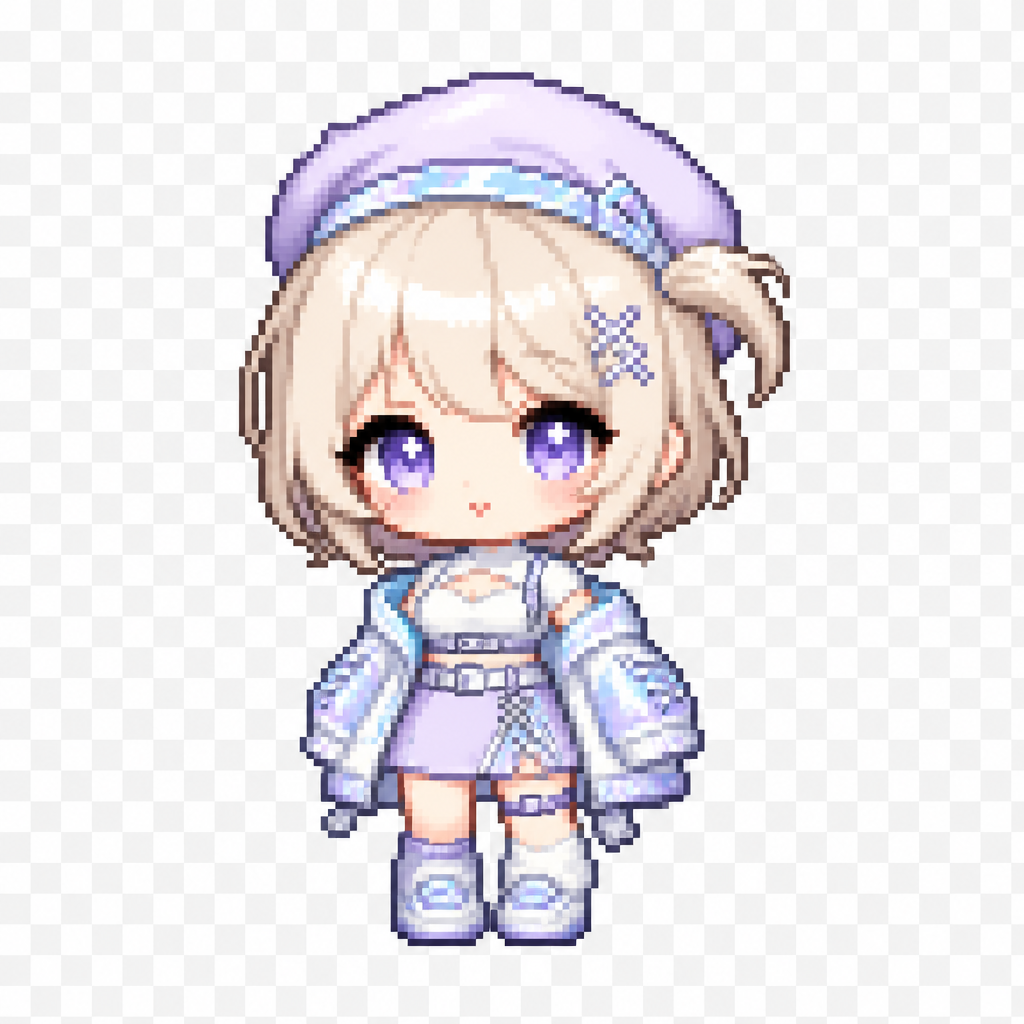
Lavender beret chibi sprite, soft pastel outfit
Model
Credits will be automatically refunded if generation fails.
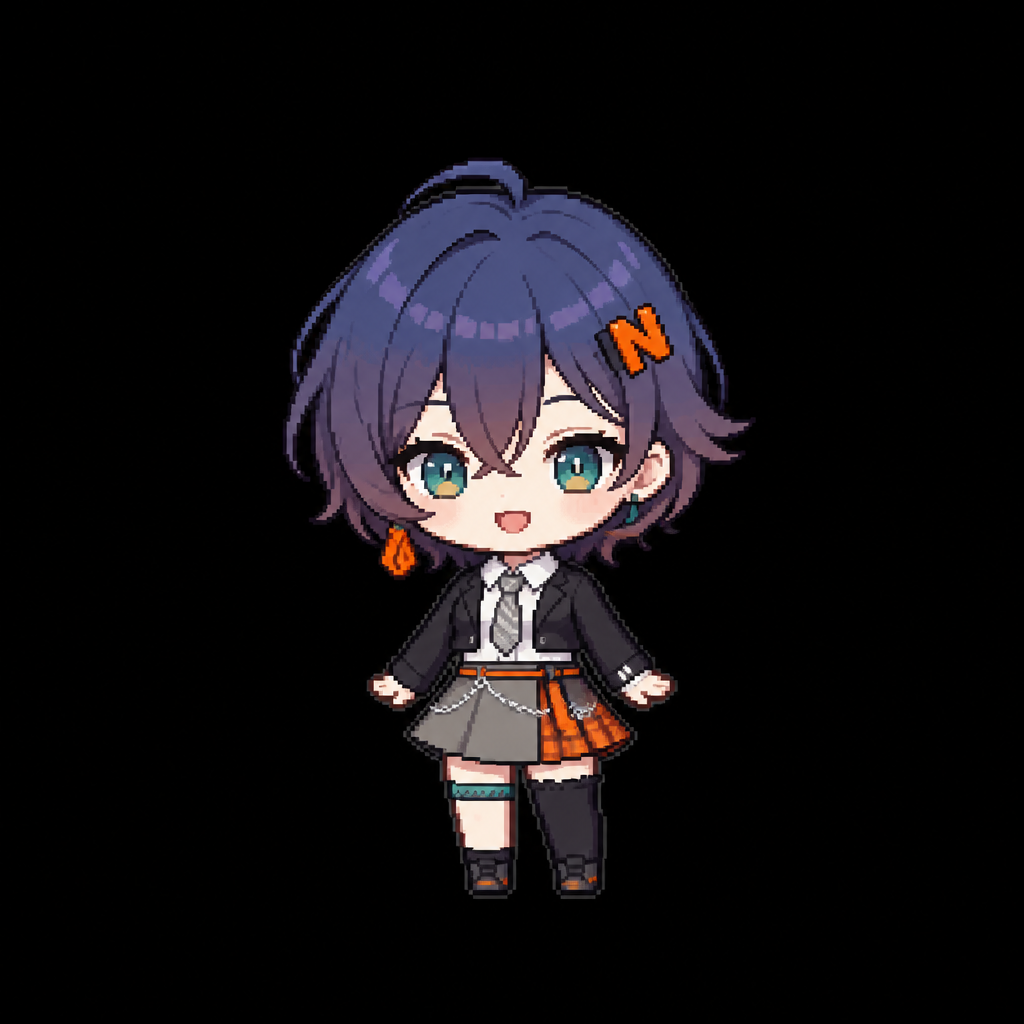
WORKFLOW
From idea to MapleStyle Sprite asset
Compose, generate, review, and keep MapleStyle Sprite assets inside one MapleSprite-owned workflow.
01 / 04
Maple 12
Lavender beret chibi sprite, soft pastel outfit
Image asset credits
Credit packs are one-time purchases for experiments and steady creator workflows.
Common questions
What MapleSprite creates, how credits work, and where final production responsibility begins.
Generate the next MapleStyle Sprite asset.
Describe a character, outfit, prop, or effect, and add references when needed. MapleSprite generates the asset, keeps the history, and shows the credit cost before the run.